After Effects Education and Resources
Everything you need to master After Effects.
-

Tutorials
Browse our ever-growing collection of tutorials to help build your knowledge in the art of motion graphics and animation using Adobe After Effects.
-

Expressions
Copy and paste our pre-written expressions straight into your projects, creating natural movements without the need for endless keyframes.
-

Courses
We are currently building a 14 day After Effects Masterclass that will be available in mid-2023. Click the link below to learn what the course has to offer.
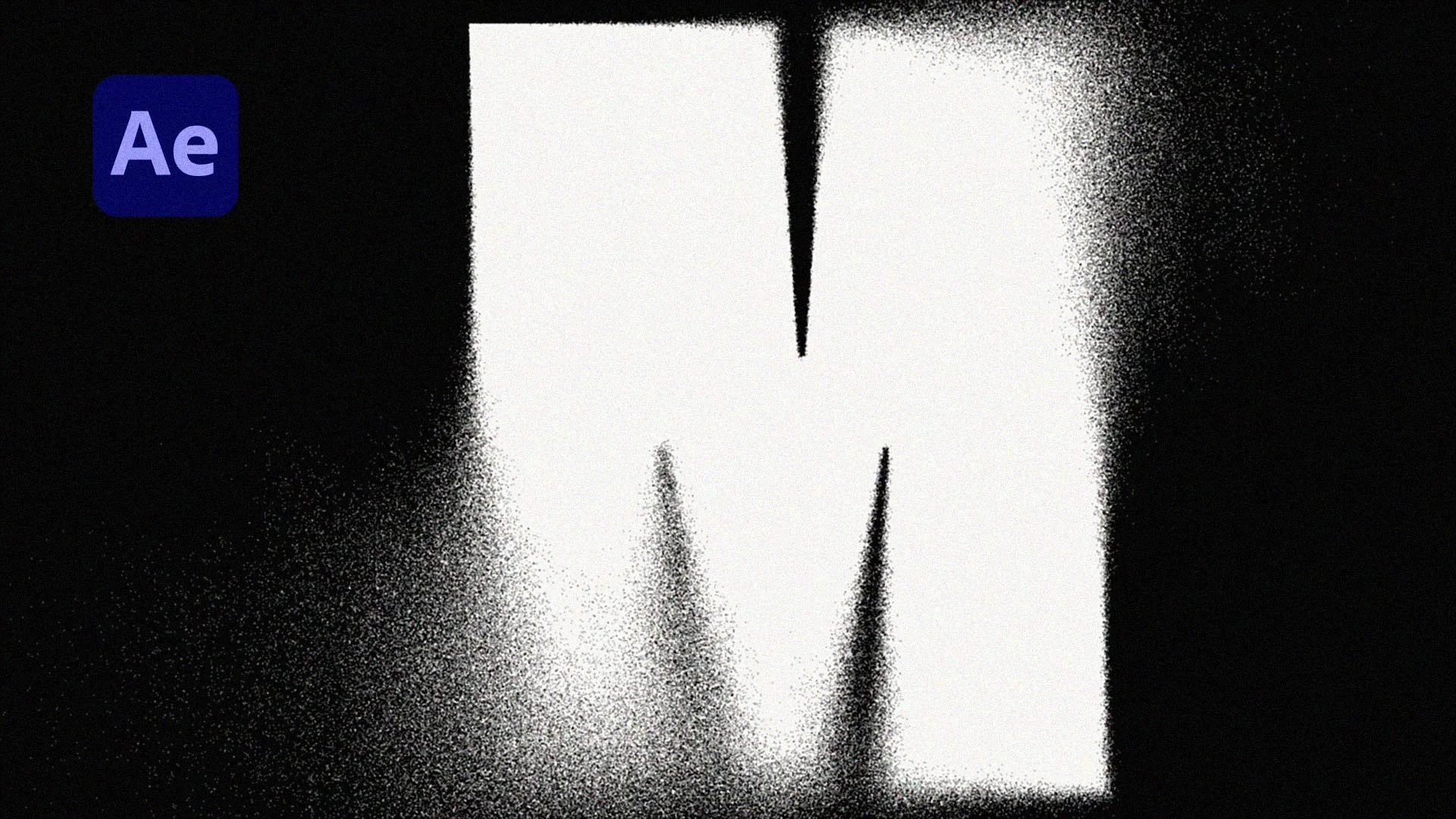
Learn how to create a cinematic grainy blur effect in After Effects using Compound Blur and Dancing Dissolve. This quick tutorial shows you how to control where the blur happens and add textured grain for a more stylised, professional look. Perfect for text, logos and title animations, this technique gives you full control while staying fast and simple.
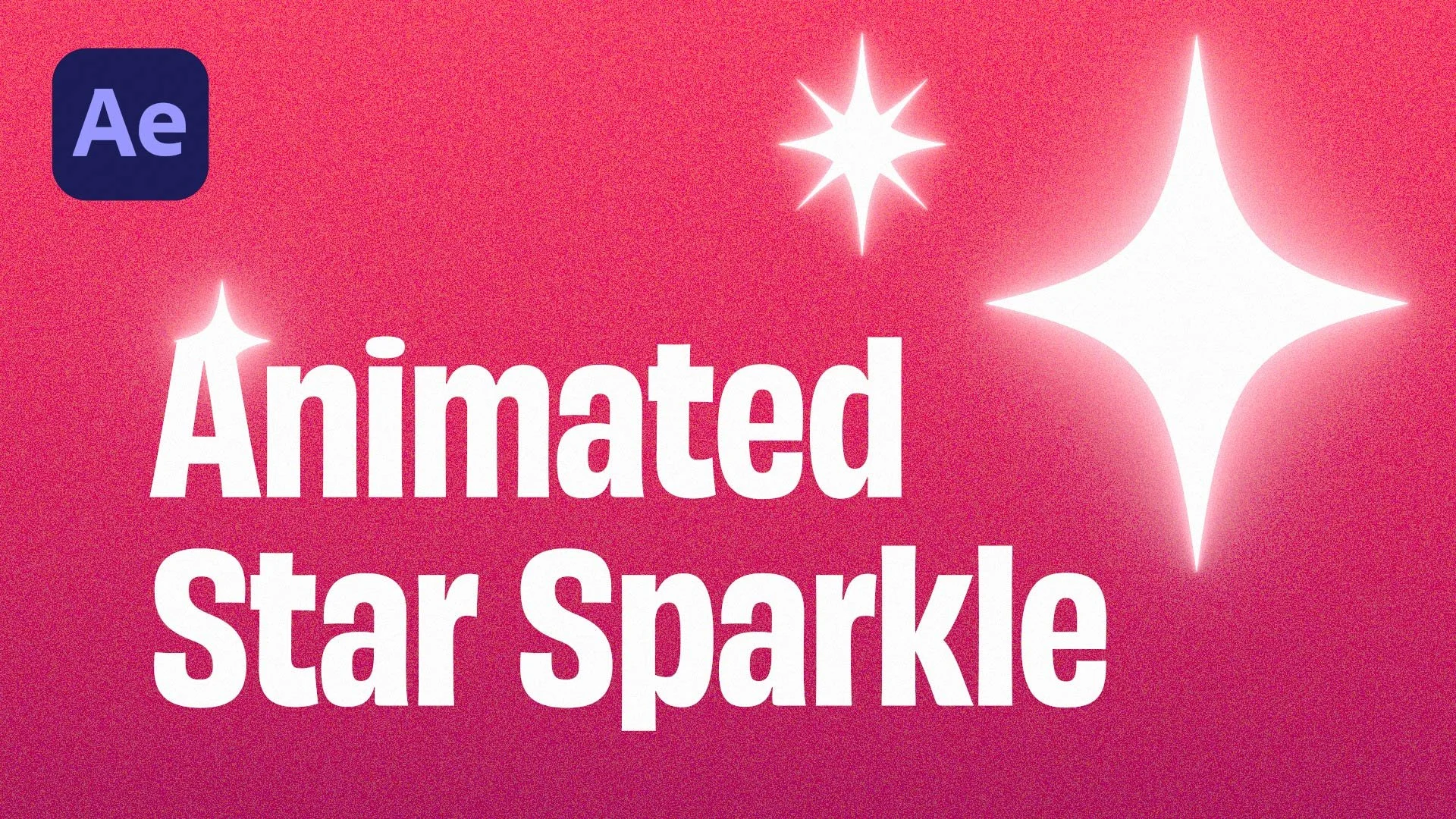
Learn how to create a clean star sparkle effect in After Effects using built-in tools only. This quick tutorial shows you how to add sparkles to text, logos and motion graphics with simple animation techniques and no plugins needed. Perfect for beginners and anyone wanting fast, polished results.
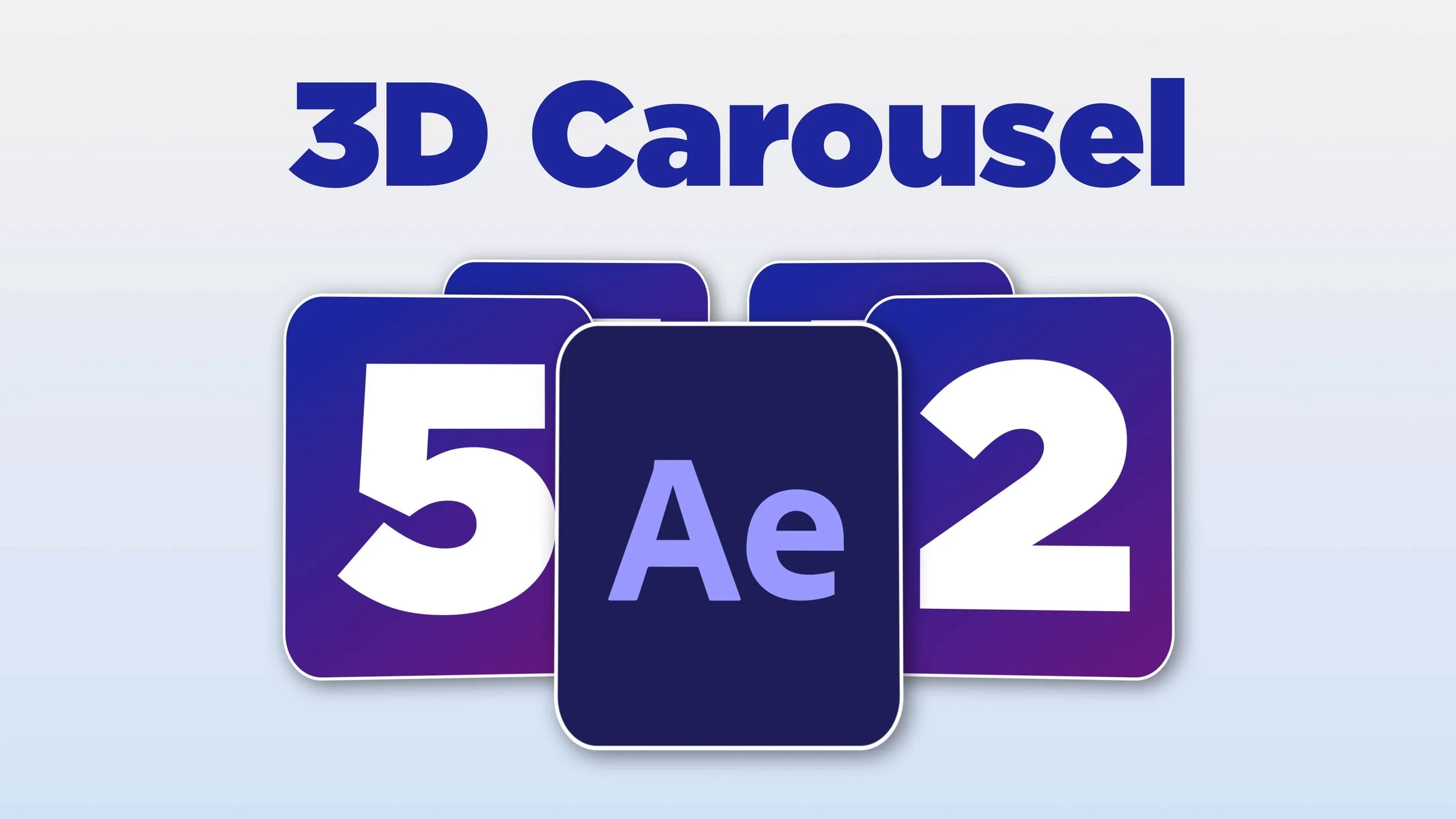
Learn how to create a smooth, looping 3D carousel in After Effects — fast, simple, and with zero plugins or expressions.
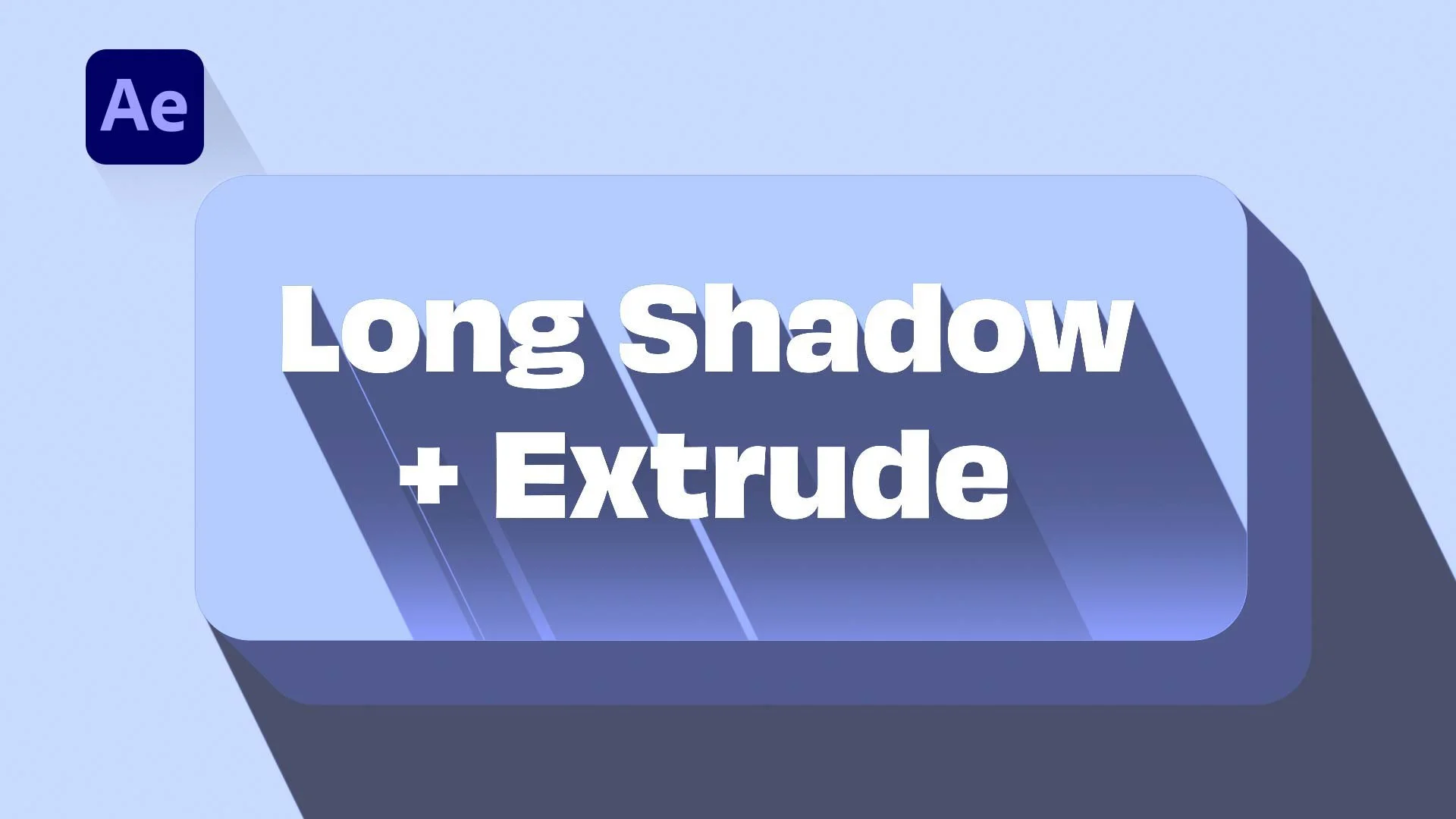
Create long shadow effects in After Effects fast with this free preset. It also includes a 3D extrude-style animation.
Quick to use, fully customizable, perfect for text, logos, buttons and more.
Learn how to animate font weight in After Effects to create smooth, kinetic typography. This quick tutorial shows you how to keyframe text thickness and add dynamic movement to your designs. Perfect for kinetic text, bold-to-thin transitions, and pro-looking motion graphics.
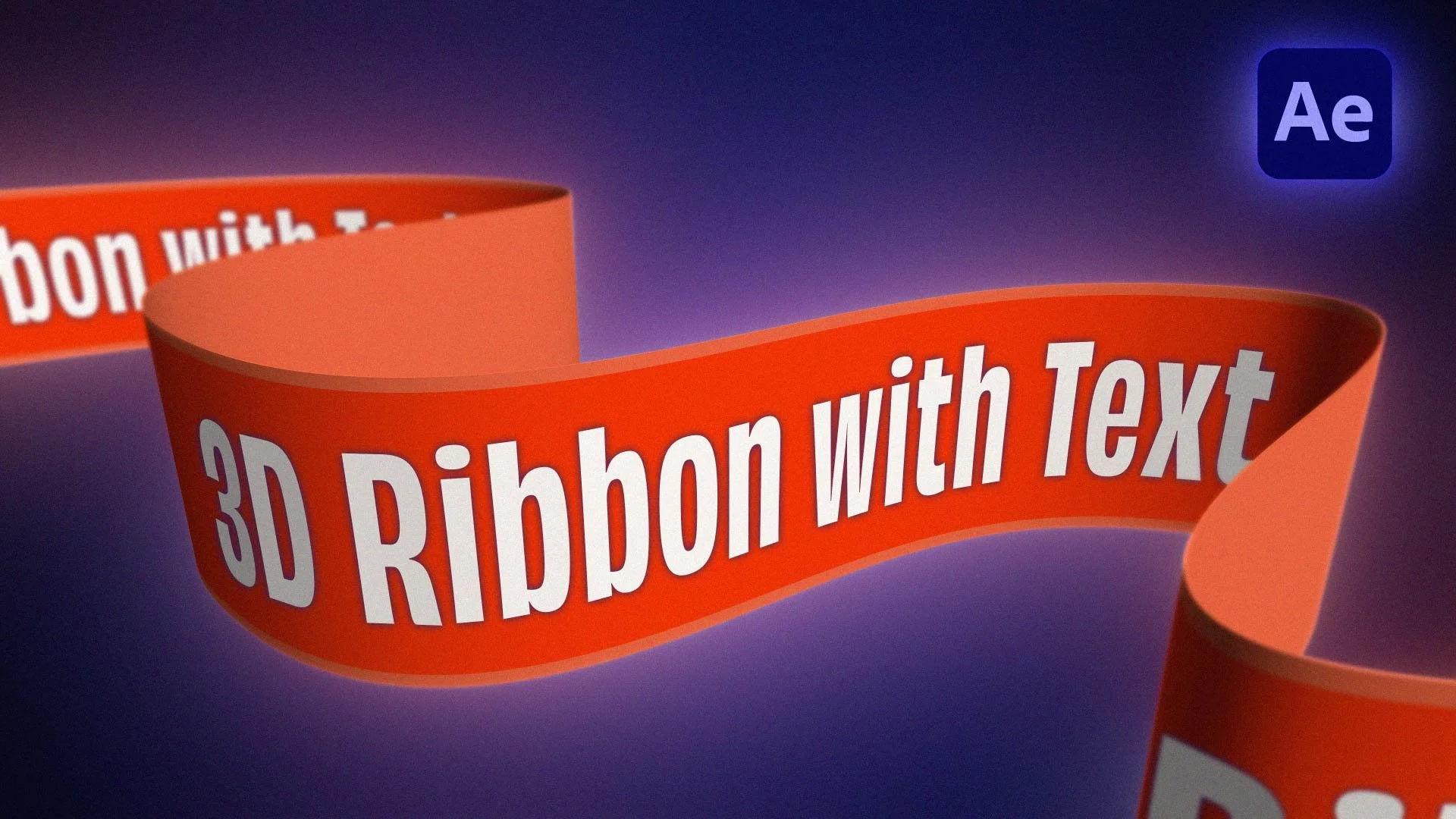
Create a stunning 3D ribbon animation in After Effects—without any plugins!
This tutorial teaches you how to animate a ribbon with text, add depth, and create smooth motion using only built-in tools. Whether you're designing motion graphics, animated titles, or logo reveals, this After Effects tutorial has you covered!