
Tutorials
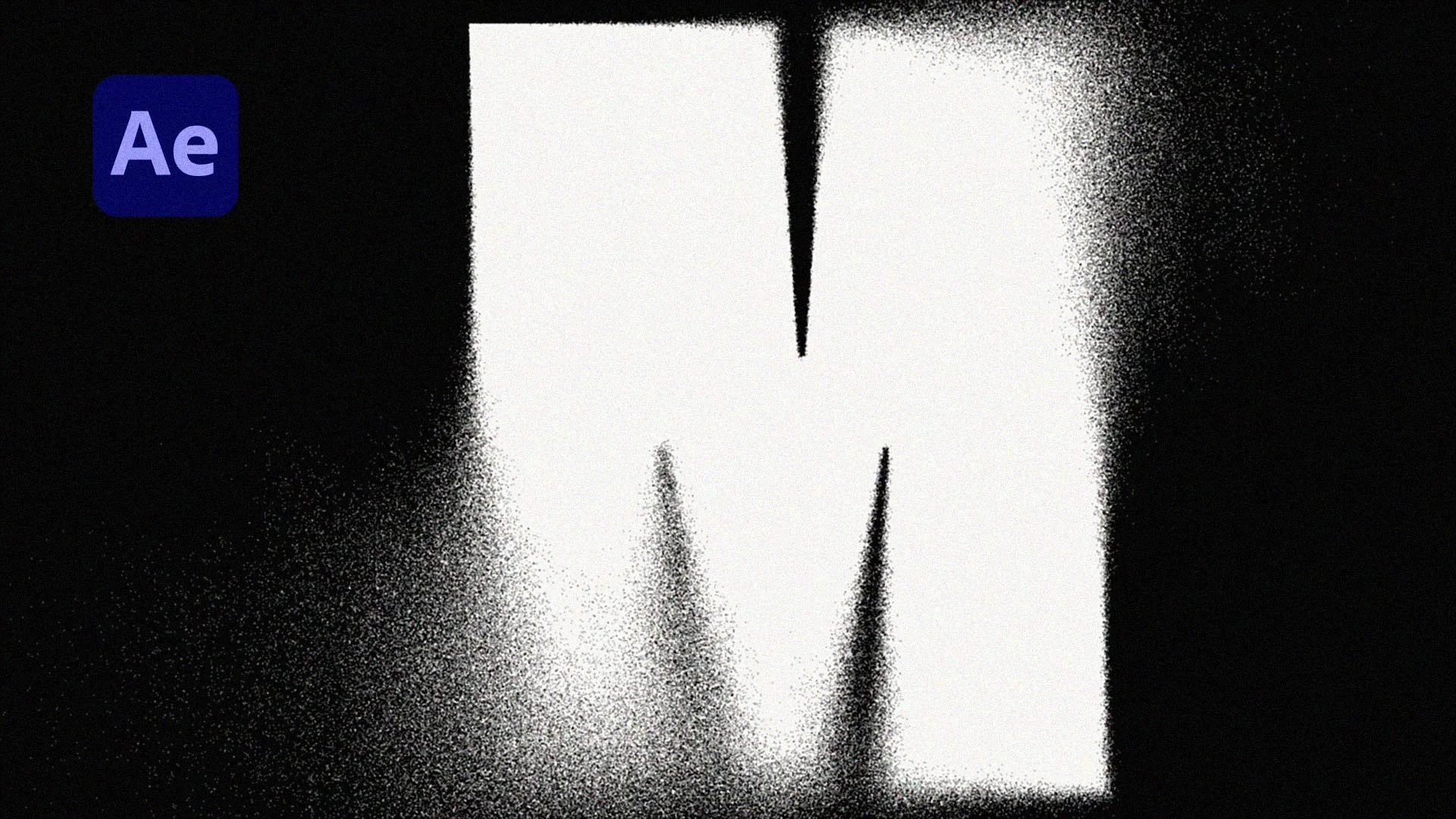
Grainy Blur Effect in After Effects (Fast & Easy)
Learn how to create a cinematic grainy blur effect in After Effects using Compound Blur and Dancing Dissolve. This quick tutorial shows you how to control where the blur happens and add textured grain for a more stylised, professional look. Perfect for text, logos and title animations, this technique gives you full control while staying fast and simple.
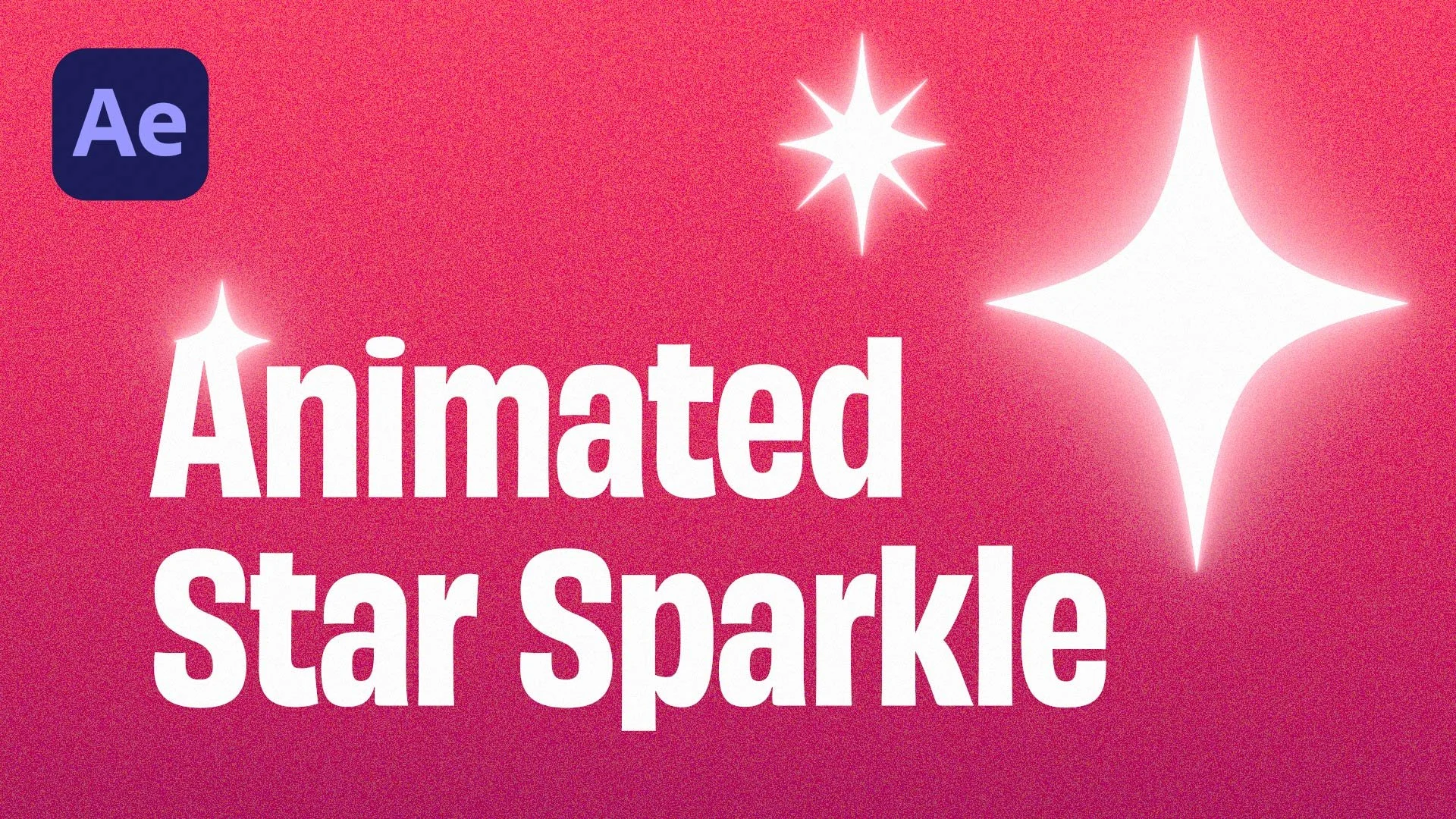
Star Sparkle Effect in After Effects | Quick | No Plugins Tutorial
Learn how to create a clean star sparkle effect in After Effects using built-in tools only. This quick tutorial shows you how to add sparkles to text, logos and motion graphics with simple animation techniques and no plugins needed. Perfect for beginners and anyone wanting fast, polished results.
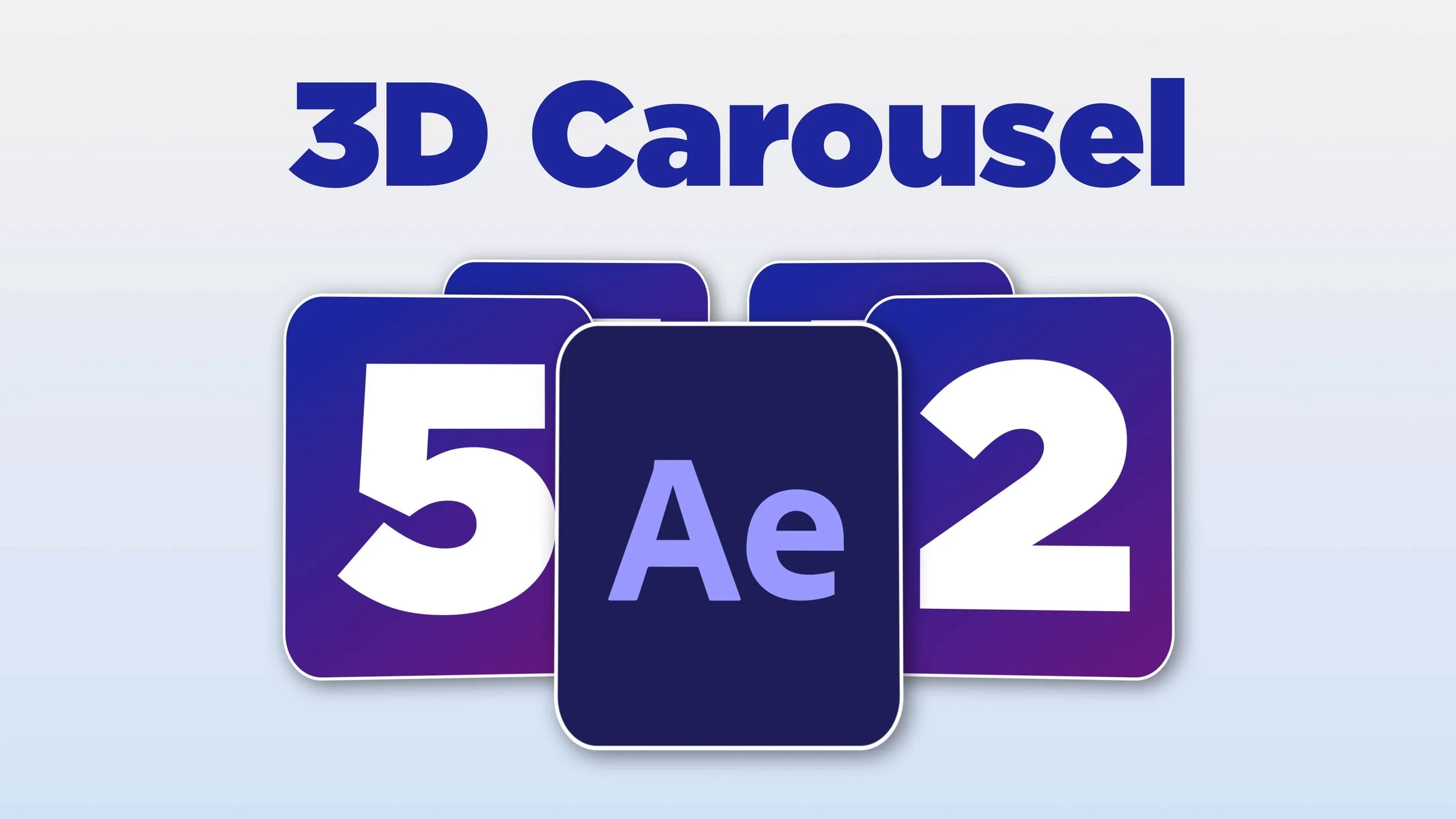
How to Make a 3D Carousel in After Effects
Learn how to create a smooth, looping 3D carousel in After Effects — fast, simple, and with zero plugins or expressions.
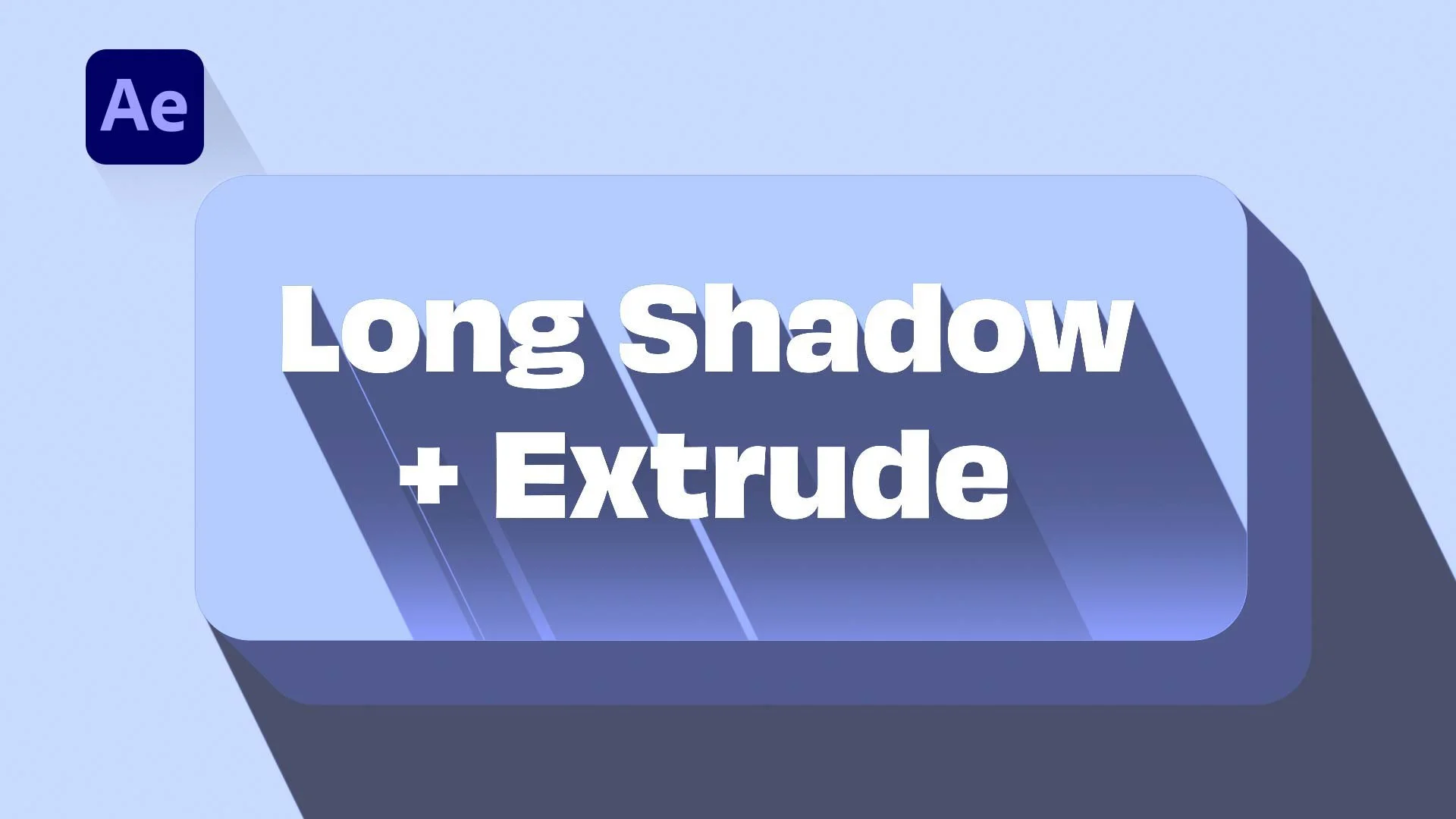
Make Stunning Long Shadows in After Effects + FREE Preset with 3D Extrude Effect!
Create long shadow effects in After Effects fast with this free preset. It also includes a 3D extrude-style animation.
Quick to use, fully customizable, perfect for text, logos, buttons and more.

How to Animate Font Weight in After Effects | Kinetic Typography Pro Tip
Learn how to animate font weight in After Effects to create smooth, kinetic typography. This quick tutorial shows you how to keyframe text thickness and add dynamic movement to your designs. Perfect for kinetic text, bold-to-thin transitions, and pro-looking motion graphics.
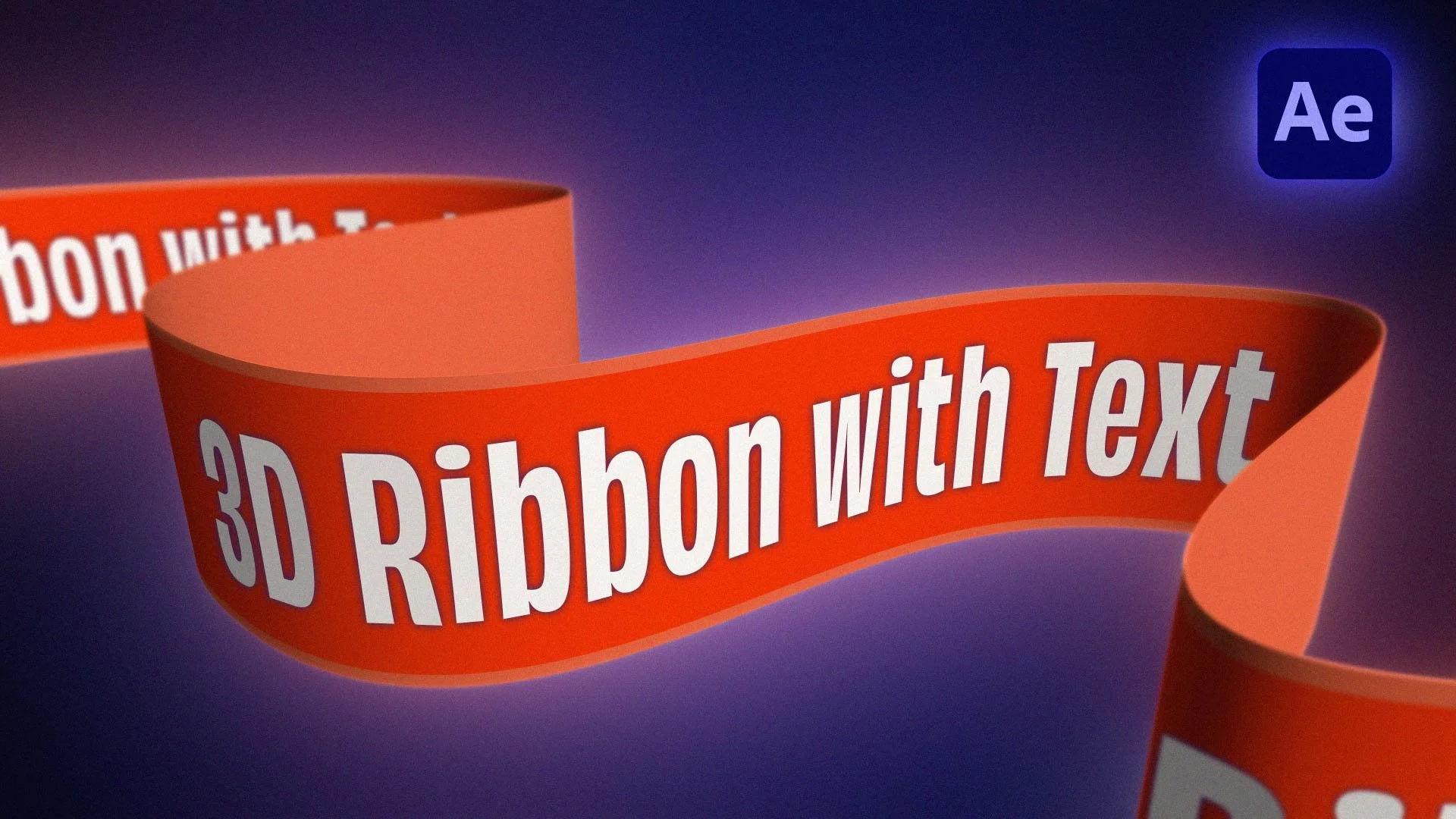
How to Create a 3D Ribbon in After Effects (No Plugins!)
Create a stunning 3D ribbon animation in After Effects—without any plugins!
This tutorial teaches you how to animate a ribbon with text, add depth, and create smooth motion using only built-in tools. Whether you're designing motion graphics, animated titles, or logo reveals, this After Effects tutorial has you covered!

How To Seamlessly Loop Animations in After Effects | Tutorial
Learn how to loop animations and keyframes in this quick and easy After Effects Tutorial.
Seamlessly create looping animations whether it's for a gif, social media or any other animation in After Effects.

After Effects Christmas Pop-up Card Tutorial – Step-by-Step Guide
Create a magical After Effects Christmas Pop-up Card with this beginner-friendly tutorial!
Learn to design and animate a festive holiday card using 3D effects, keyframing, and custom graphics.
Perfect for creating holiday greetings that stand out.
🎄✨ Watch now and bring your Christmas animations to life!

How To Adjust Mask Roundness in After Effects | Revisited
Discover how to adjust rounded masks in After Effects in this revisited tutorial.
I’ll show you how to refine your masks both during and after drawing, making it easier to achieve the perfect look.
Ideal for all skill levels!

Master Text Animations With These 5 Simple After Effects Techniques!
Unlock the power to master text animations in After Effects with these 5 simple and easy-to-follow techniques!
Perfect for beginners and experienced users, this tutorial covers essential After Effects text animation techniques to give your motion graphics a professional edge.
Whether you're animating for videos, ads, or social media, you'll learn how to create smooth, dynamic text effects.
Start mastering text animations in After Effects today!

Animating Fur And Hair In After Effects: A Step-by-step Guide!
In this easy-to-follow tutorial we'll be animating fur and hair in After Effects.
..and the best thing is...NO PLUGINS REQUIRED!

Create Stunning Ice Texture & Logo Reveal in After Effects | Step-by-Step Tutorial
Learn how to create stunning ice textures and logo reveals in After Effects with this step-by-step tutorial!
In this video, we'll guide you through the process of designing a cool ice texture effect and revealing your text or logo underneath it. Perfect for adding a frosty touch to your projects, this tutorial covers everything you need to know, from start to finish.

How to Animate a Countdown Timer in After Effects | 6 STYLE VARIANTS!
Learn how to create and animate a Countdown Timer in After Effects.
In this tutorial you'll learn how to create 6 different variants of a countdown timer. So whatever style you're looking for, you'll find it here!

How To Make Cool Smoke Effects In After Effects
Learn how to make cool smoke effects in After Effects, without using any third-party plugins!
There are many ways to create smoke in After Effects, and in this tutorial I will show you two techniques on how to create cool and realistic looking smoke, in a matter of minutes!

10 Essential After Effects Expressions In Just 10 Minutes !
Learn these 10 essential After Effects expressions in just 10 minutes!
Whether you're a fan of expressions or not, they can be daunting...but they can also be really fun!
Here's a run through of my 10 favourite and most used expressions, all of which save time as well as adding some extra flare and flow to my After Effects animations.

Instantly Generate 3D Depth Maps For After Effects!
How to instantly generate 3D Depth Maps for After Effects!
Create a 3D depth map in a matter of seconds using this super quick step!
Watch the tutorial to learn how.

Achieve The Ultimate Gold Texture In After Effects
Unleash your creativity and achieve the ultimate gold texture In After Effects!

Paper Tear Tutorial: How To Create The Perfect Tear In After Effects
Create and animate a paper tear reveal, split screen or even transition in this quick and easy After Effects Tutorial.

Hand Drawn Style for Text in After Effects
In this tutorial learn how to quickly and easily create a hand drawn style for text in After Effects.
There are a few factors that makes hand drawn text look hand drawn, which we will run through in this short and easy to follow After Effects tutorial.
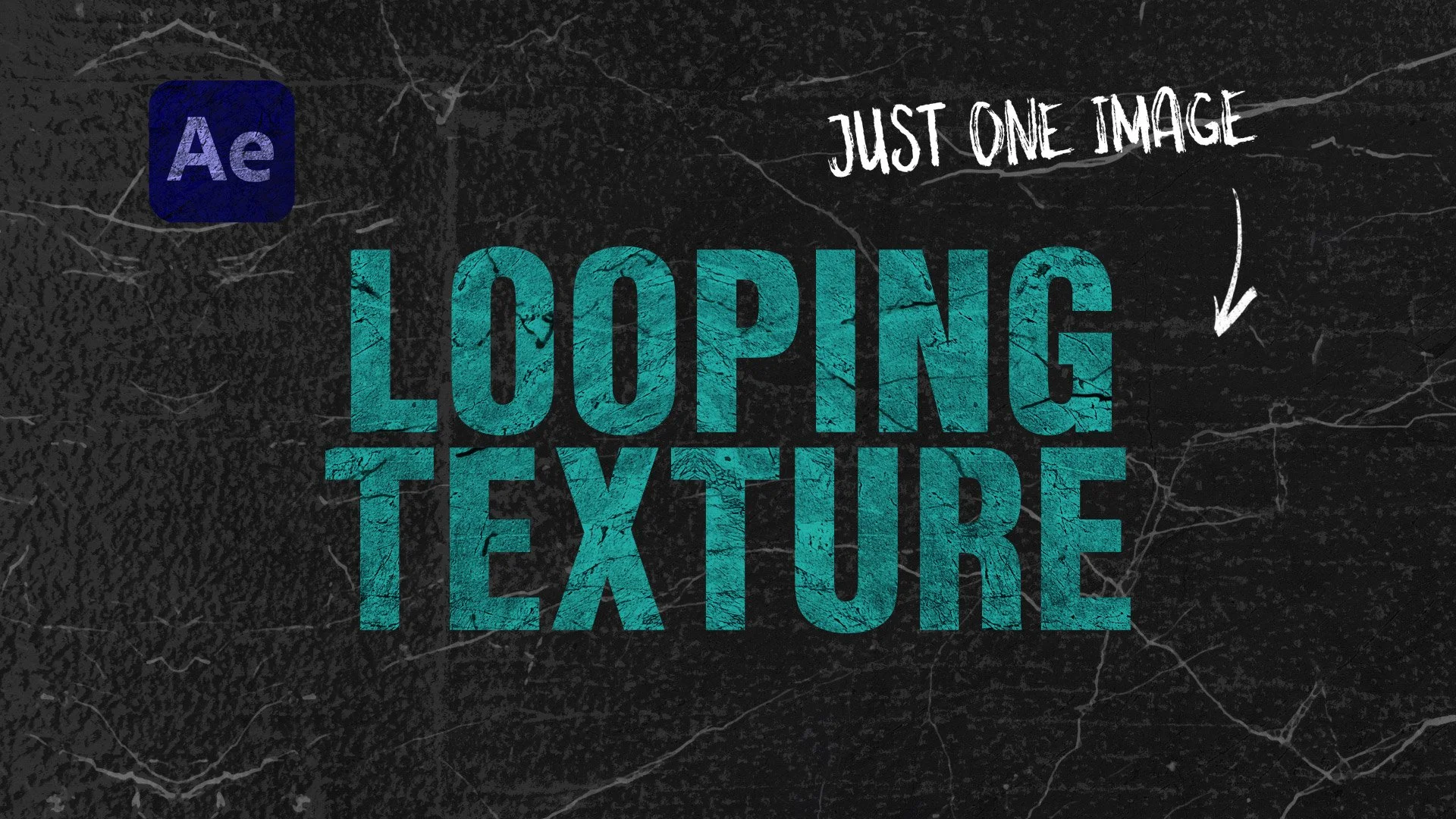
Create a Looping Texture in After Effects
In this quick and easy tutorial, learn how to create a looping texture in after effects using just one image or photo.
All you'll need is one texture in your chosen style, so gone are the days of finding multiple images and individually editing them in After Effects!